Using your iPhone's speaker for voice calls
This short guide is a reference tool to help refresh your knowledge or practise what you have learned in the Using your iPhone's speaker for voice calls online video course, including how to:
- find the earpiece and speaker on your phone
- turn the speaker on during a call
- adjust the volume and turn the speaker off again.
Getting to know your phone's speakers
The earpiece is a small slot at the very top of your phone. It's what you normally hold to your ear to hear the other person during a call.
The main speaker is at the bottom of your phone, next to the charging port. It's a louder speaker that plays sound when you watch videos, make video calls, or listen to music.
Turning the speaker on
Using your phone’s speaker lets you have conversations without holding the phone to your ear and makes it easy for others nearby to join in.
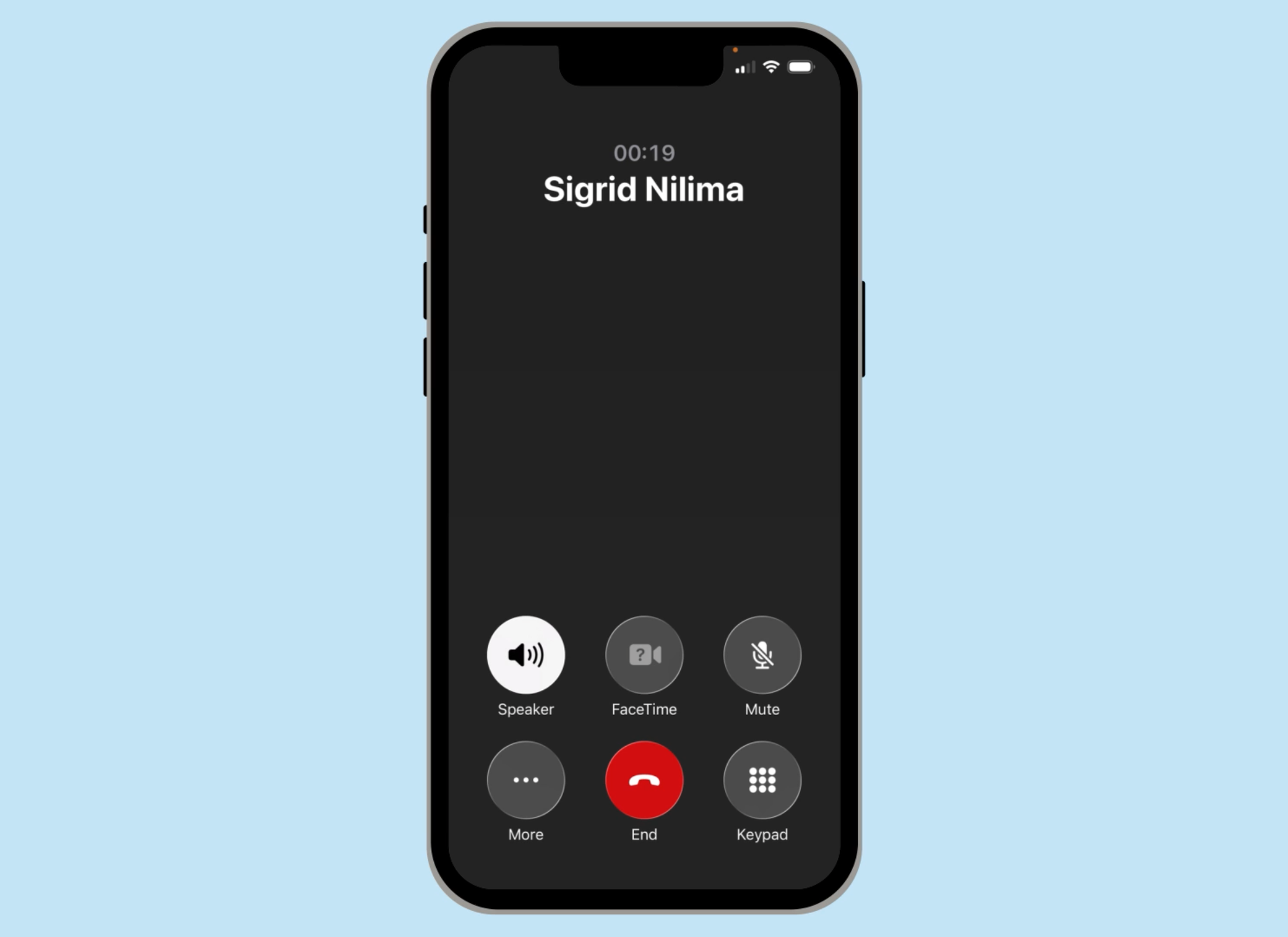
While you're on a call, look at the row of icons on the call screen and tap the one labelled Speaker.
The icon will highlight to show the speaker is active, and you'll hear the call through your phone's speaker instead of the earpiece.
Positioning your phone and adjusting the volume
Once the speaker is on, place your phone on a flat surface in front of you. The microphone is near the charging port at the bottom of the phone, so make sure that end is pointing towards you. To adjust the sound level, use the volume buttons on the side of the phone.
Turning the speaker off
To turn the speaker off, tap the Speaker icon again and the call will return to the earpiece as normal. You can switch the speaker on and off at any point during the call.