Using your iPhone to hear more clearly
This short guide is a reference tool to help refresh your knowledge or practise what you have learned in the Using your iPhone to hear more clearly online video course, including how to:
- check what you need to use Live Listen
- add Live Listen to Control Centre
- turn Live Listen on and adjust the volume
- turn Live Listen off.
What Live Listen does
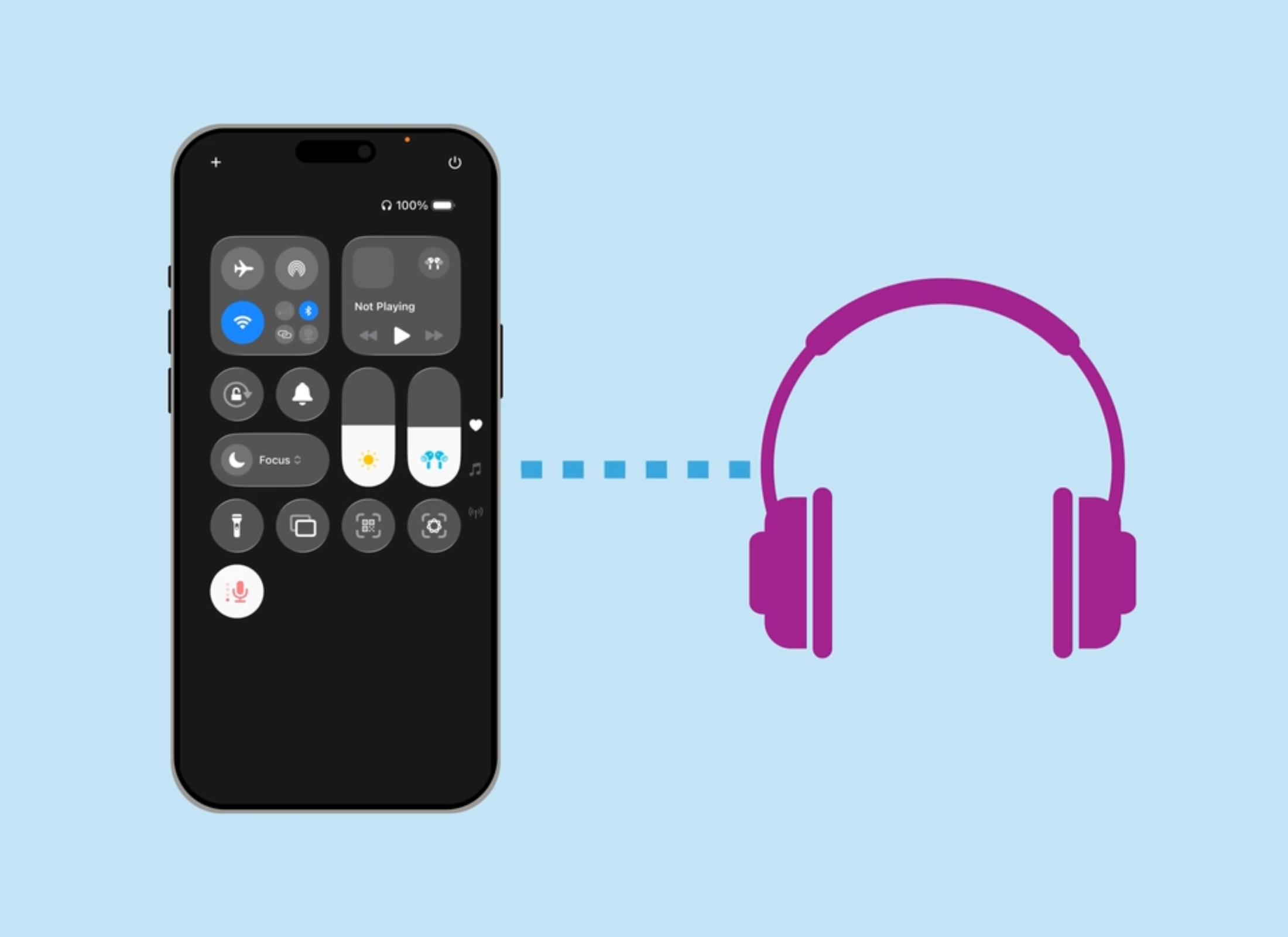
Live Listen is a feature that sends nearby sound to your headphones or hearing aid. It can help you hear conversations more clearly in noisy places, such as cafes and family gatherings.
Live Listen doesn't work through your iPhone's speaker, so you'll need wireless AirPods or compatible Beats headphones, or a Made for iPhone hearing aid. These are the only headphones that work with Live Listen.
For the best results, place your iPhone in front of the person you'd like to hear.
Adding Live Listen to Control Centre
You can turn on Live Listen from your iPhone's Settings menu. Adding it to Control Centre makes it quick to find whenever you need it.
- Swipe down from the top right of the screen to open Control Centre. Start the swipe in the bezel, which is the edge around the screen.
- Tap and hold an empty area away from the icons, until Add a Control appears at the bottom.
- Tap Add a Control.
- Tap in the Search bar at the top of the screen and start typing Live Listen.
- When the Live Listen icon appears, tap it. It looks like a microphone.
- Control Centre opens again, with Live Listen as the last icon at the bottom. Tap an empty area to save it.
Using Live Listen
In Control Centre, tap the Live Listen icon. The icon turns red and white, and you'll hear sound from around your iPhone through your headphones or hearing aid, louder and clearer.
If the sound is too loud or too quiet, use the volume buttons on the side of your iPhone to adjust it.
To turn Live Listen off, tap the Live Listen icon again so it turns grey.