Using the Home button on an iPhone
This short guide is a reference tool to help refresh your knowledge or practise what you have learned in the Using the Home button on an iPhone online video course.
About the Home button
The Home button opens the Home screen, which is the main place for accessing apps and features on your iPhone. If you ever feel unsure where you are, the Home button is the quickest way back to your starting point.
You can use the Home button any time your phone is unlocked, whether you are using an app or website, checking a message, or on a phone call.
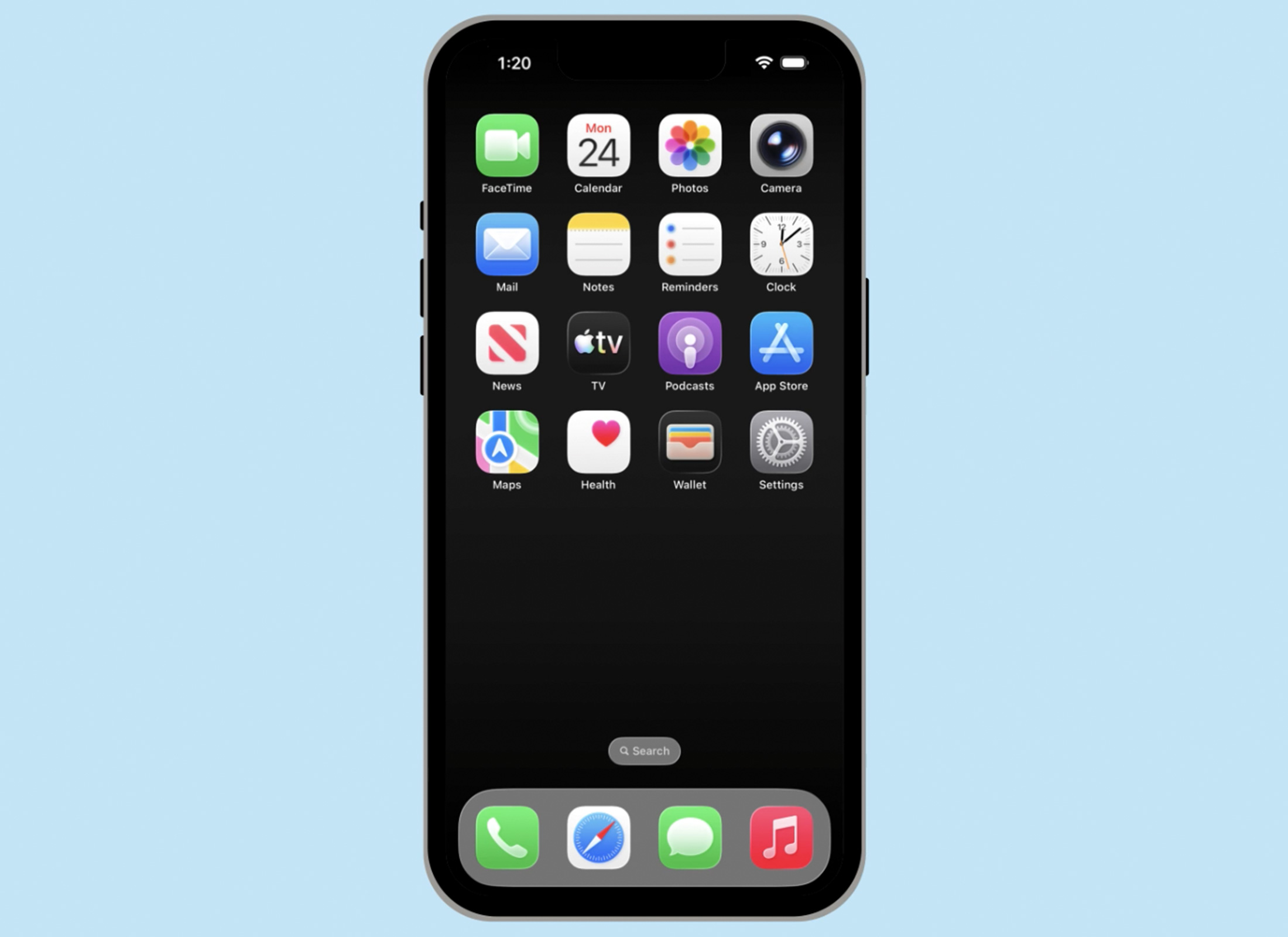
Using the Home button
There are two ways to access the Home button, depending on your iPhone model.
- If your iPhone has a physical Home button at the bottom of the screen, press it once to open the Home screen. The app you were using will pause and move into the background so you can return to it later.
- If your iPhone doesn’t have a physical button or shows a bar at the bottom of the screen, put your finger at the bottom of the screen and swipe up to open the Home screen.